Help & Support

HELP

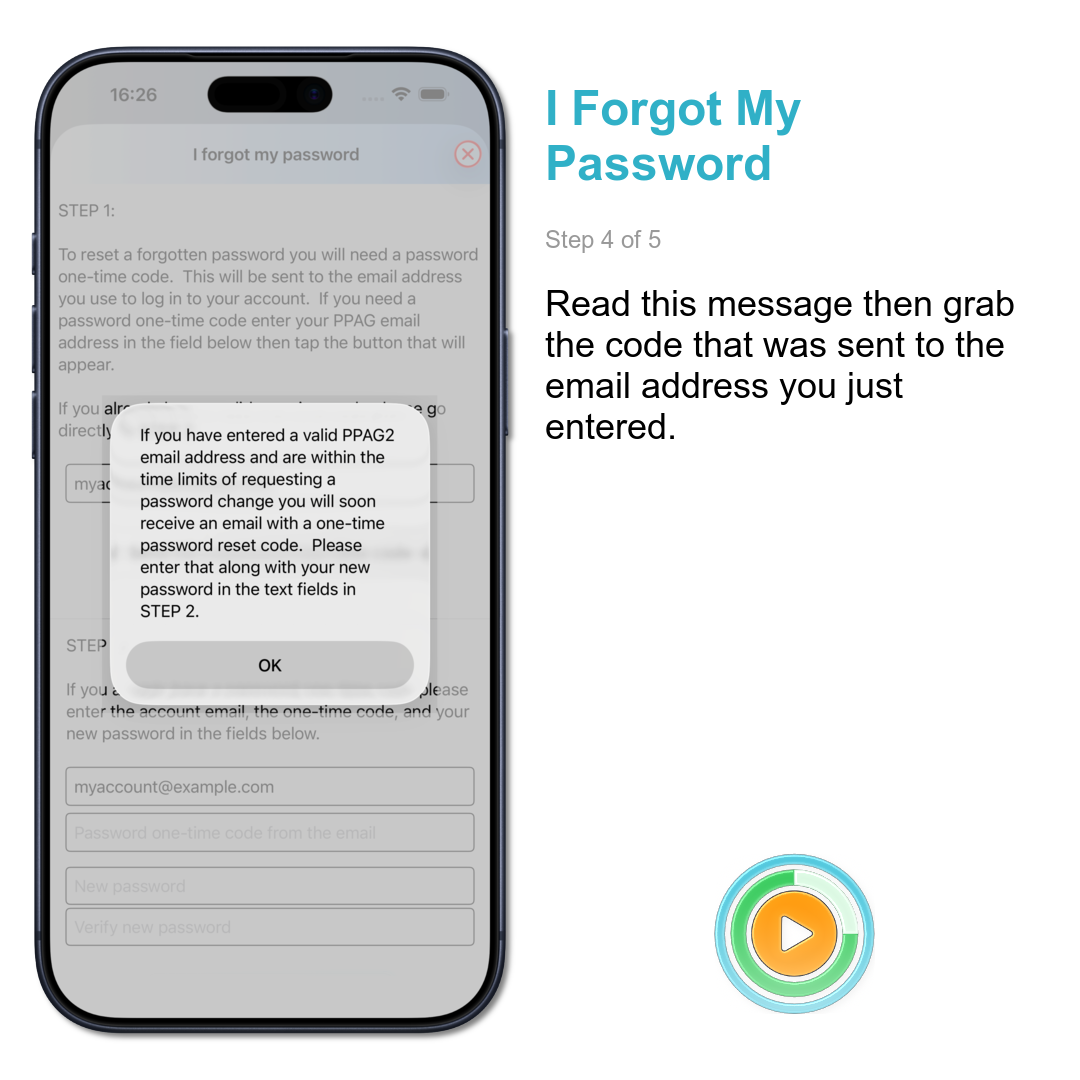
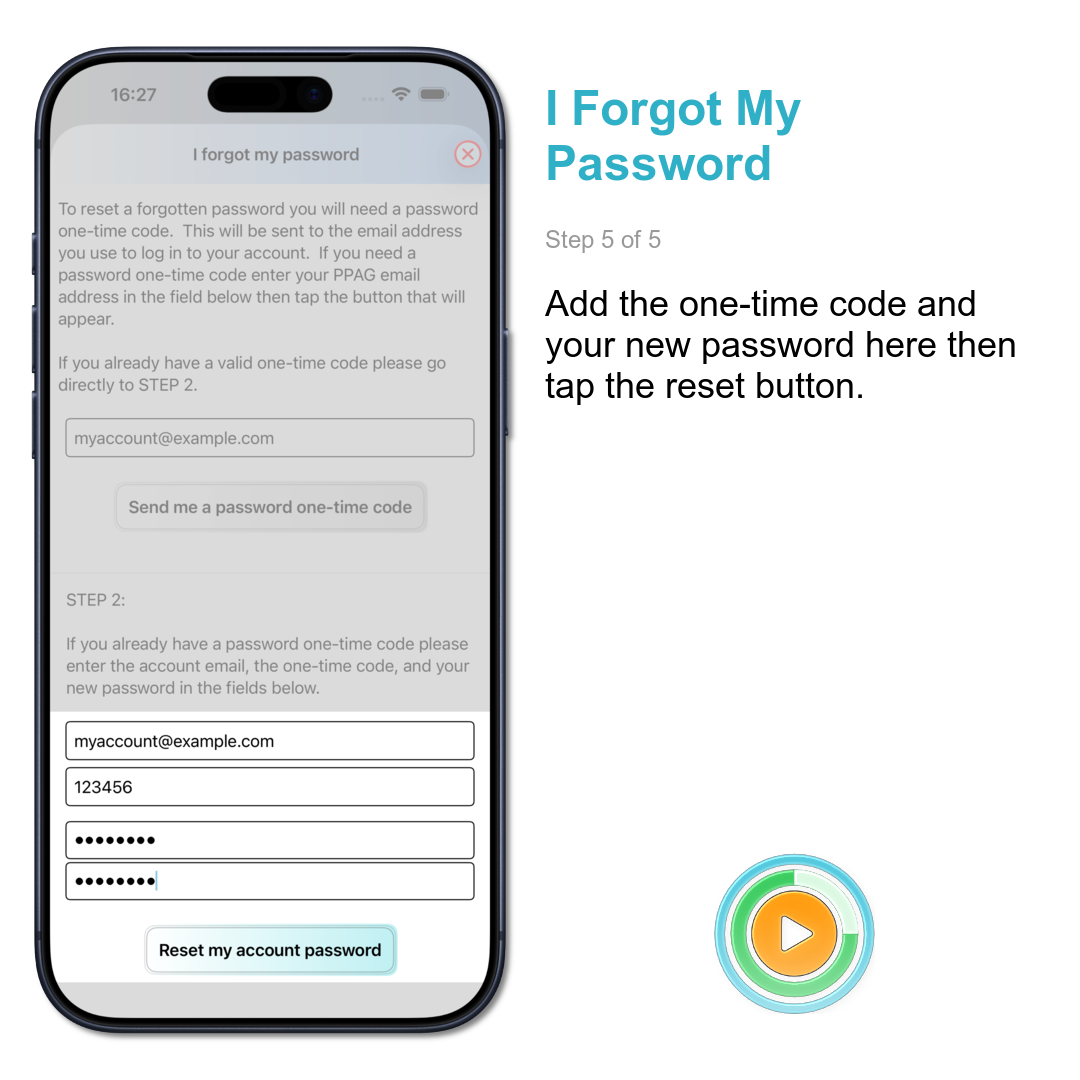
  • I forgot my password. How do I reset it?
    You do it in the app by going to the 'Help & Information' item on the main screen. There's a 'I forgot my password' option in the next screen.
  • How do I create quarterly releases?
    Ensure you have added the release to your account, select it and the desired class format, then tap the 'Create this playlist' button. If you have set the default pause values for the class format they will be assigned to the new playlist automatically.
  • How do I change tracks in playlists?
    Showing how to swap tracks in your mix playlists and those quarterly releases with bonus tracks.
  • Why should I use scheduled pauses when teaching?
    Apart from knowing you will finish the class on time you can stay interacting with your participants instead of looking at a phone. If you set the audible countdown during pauses then the app acts as the 'bad cop' pushing them to be ready for when the music starts again.
  • How do I add pauses between tracks?
    How to add scheduled pauses and set different alerts in a playlist. You will also see how to set an open-ended time to wait until the instructor is ready as well as setting small pauses in the middle of a multi-song block.
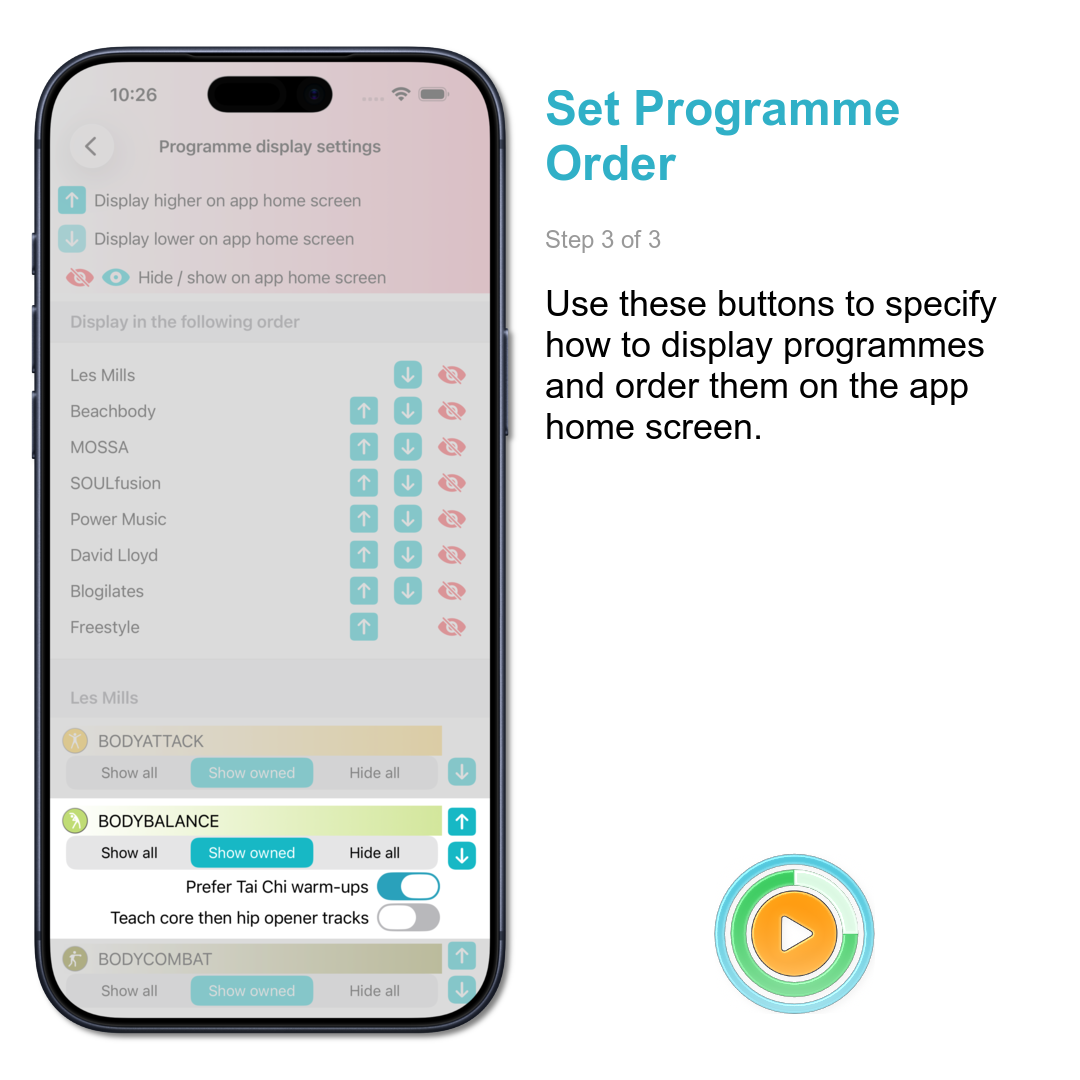
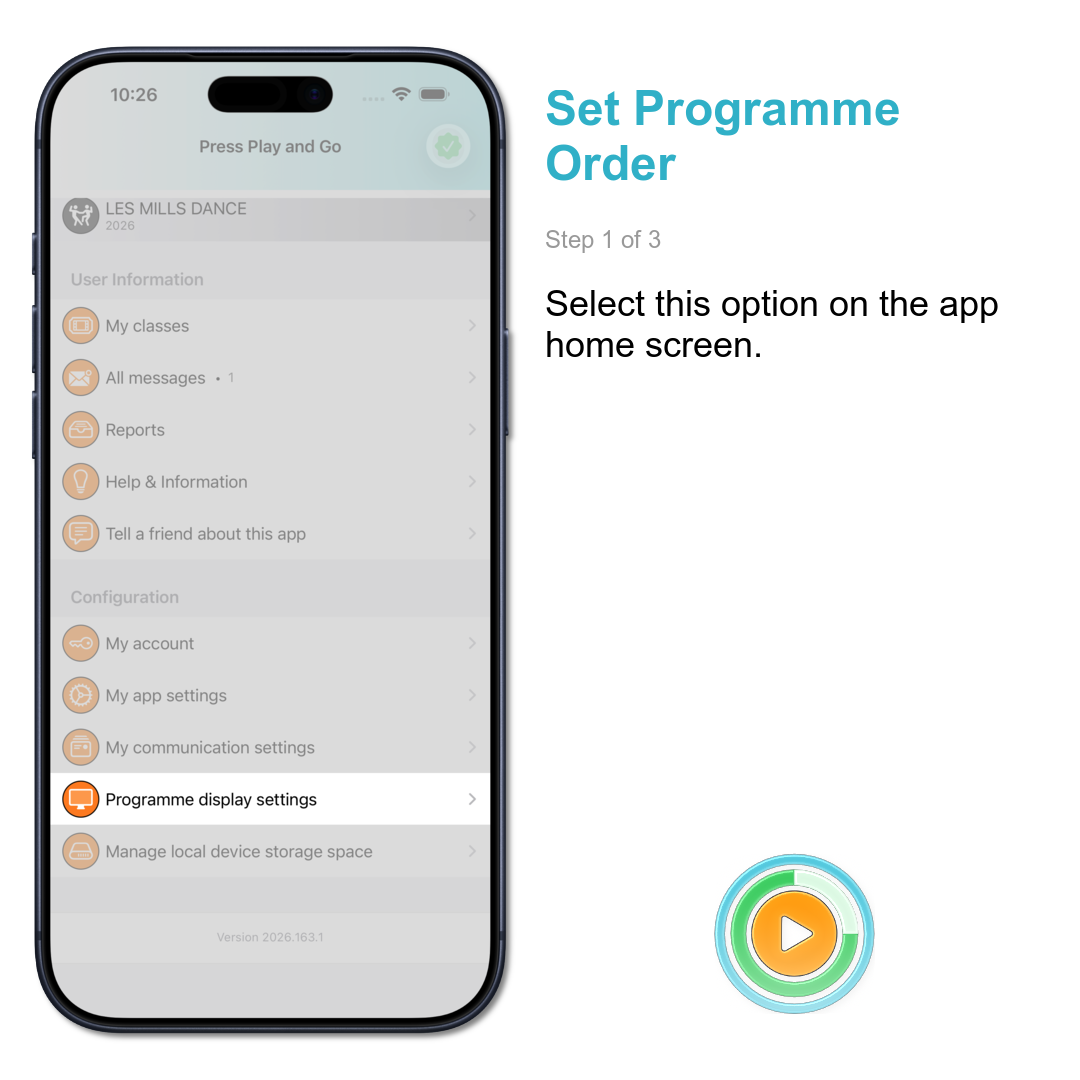
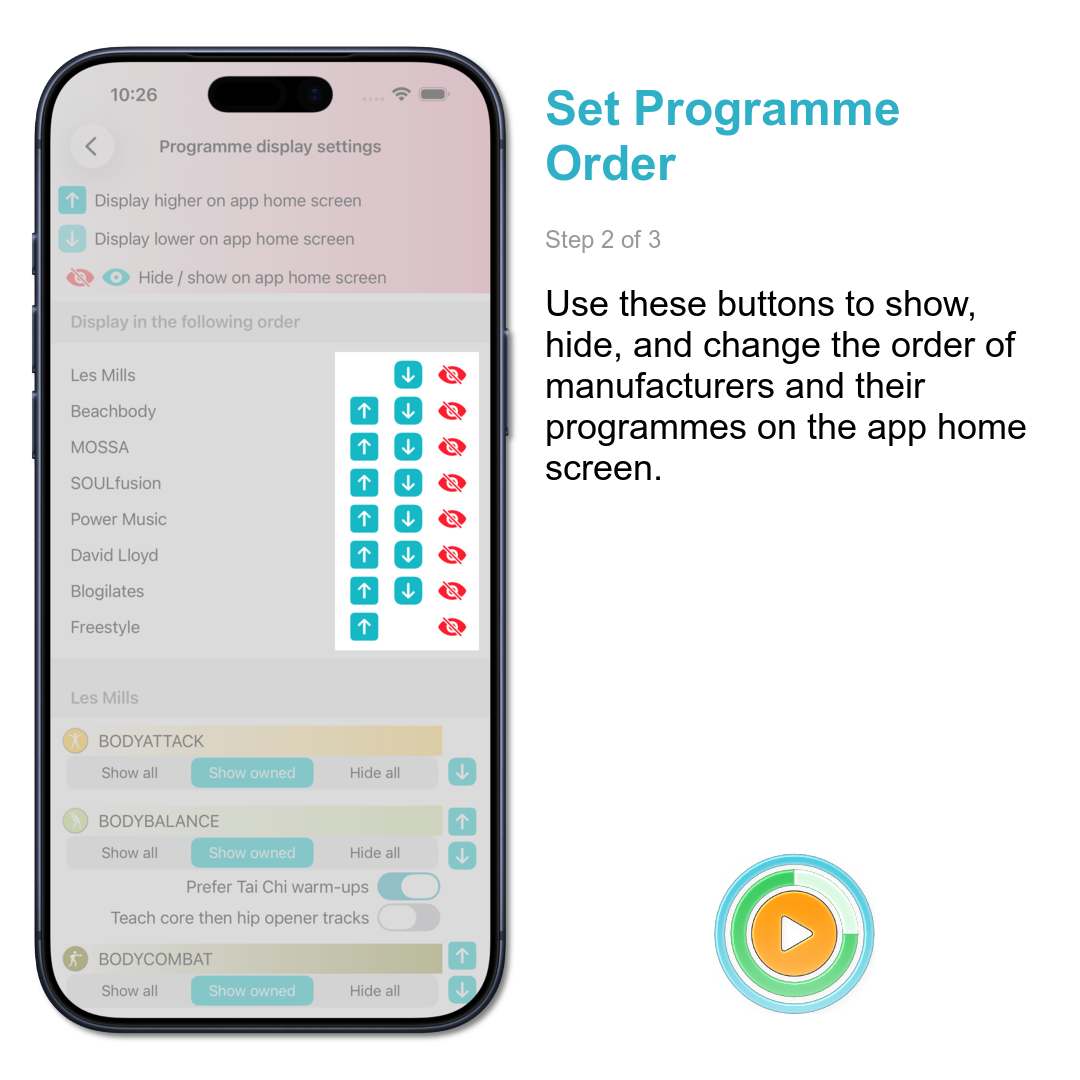
  • How do I change the order of programmes on the main screen?
    You can configure PPAG to show only the items you want on the main screen. This can be the programmes you own or those you are interested in. Set the order so your favourite ones are at the top.

FUTURE IDEAS

These are ideas that may appear in future versions. If you have something you'd like to see then drop us a line via the contact details below.
  • Implement a 'compact' display option for playlists which reduces the amount of vertical space each track takes up
  • Create an Apple Watch app to allow better control of music when teaching. Possibly a Car Play app to listen to music while driving and indicate which songs you may want to teach soon.
  • Discussion forum in the app and web site

SUPPORT

  • What's the best way to contact support?
    The best way is via this email link
  • Are there any other ways?
    Yes. You can do so via WhatsApp, text message, or Facebook Messenger. To find those details go to the 'Help & Information' item on the main screen of the app. There's a 'Contact support' option in the next screen.

    I prefer to keep those details off the open web given the amount of spam and scams which result when they are there.
  • How quickly do you respond to support requests?
    I aim to respond to all support requests within 24 hours. That can vary because the number of people doing the development, media processing, marketing, and support for this is... one person.

    He is occasionally allowed to sleep and have weekends off.
  • What are the office hours for support?
    Usually 7am-4pm weekdays Brisbane time.

    Loading support hours…

RELEASE HISTORY

  • New app features in version 2026.154 (4th June 2026)
    This release contains the following change:
    • Bug fix so that changing items in the 'alter playlist' panel works correctly.
  • New app features in version 2026.137 (17th May 2026)
    This release contains the following change:
    • Bug fix to remove a crashing issue when using the search field in the 'change block' panel.
  • New app features in version 2026.133 (13th May 2026)
    This release contains the following improvements:
    • The download mechanism is now more efficient and allows the choice of using WiFi-only or mobile data.
    • An overlay panel showing the status of media and data downloads. It can be minimised to reduce space.
    • Audio playing now works reliably post-class and when the app moves to the background.
    • Playlist loading speed has improved.
    • In practice mode the back button will now jump to the previous track if tapped within 3 seconds of a track start.
  • New app features in version 2026.098 (8th April 2026)
    This release contains the following improvements:
    • Displays heart rate for individual tracks when viewing class history if workout data was tracked.
    • Password reset now available if user not logged in.
    • Changed the order of the track tags so the release number appears earlier when looking for replacement tracks in a playlist. This makes it easier to spot bonus tracks in quarterly releases.
    • Added an indicator to tracks in a playlist if a replacement track exists.
    • The 'recently created' playlists section only appears at the top of the programme list for 48 hours.
    • If there is only a single track in a playlist then the 'make quieter' option is hidden.
    • There's a 'Tell A Friend' option so you can let others discover the app
  • New app features in version 2025.285 (11th October 2025)
    This release contains the following improvements:
    • The screen can optionally darken while teaching to reduce distractions
    • The choreography can now appear as the default item when viewing track details
    • The release number is now searchable when looking for replacement tracks in your mixes
    • The notes field now also appears in the end-of-class panel so you can add information while it's still fresh in the memory